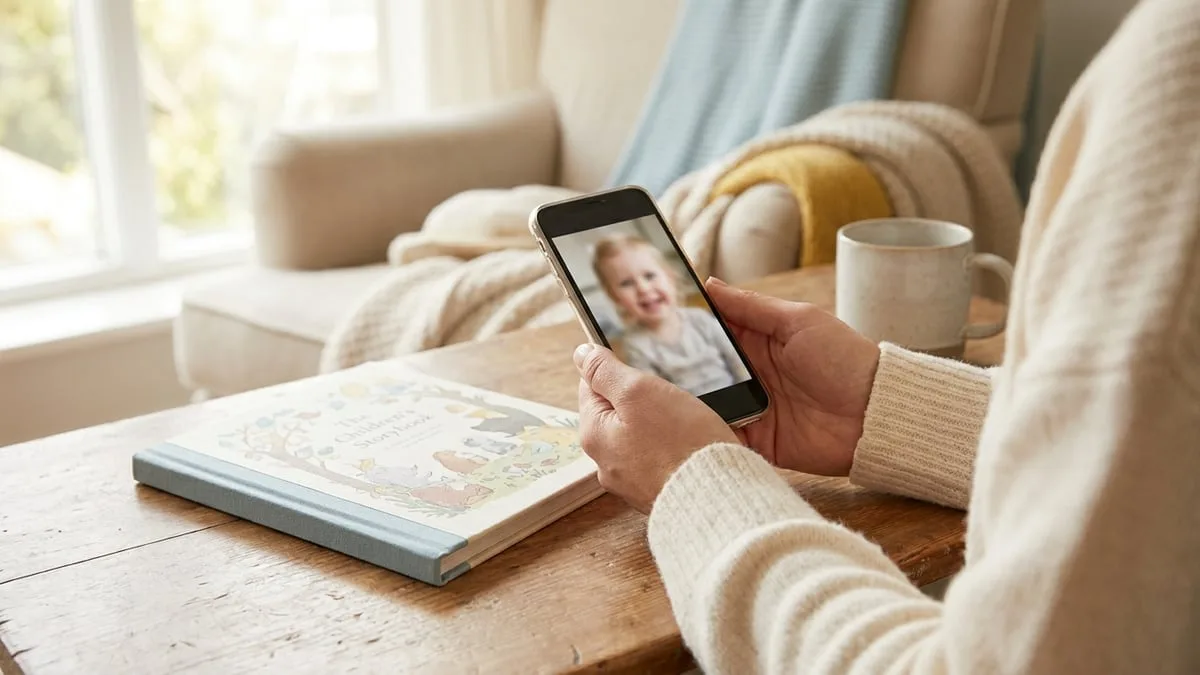
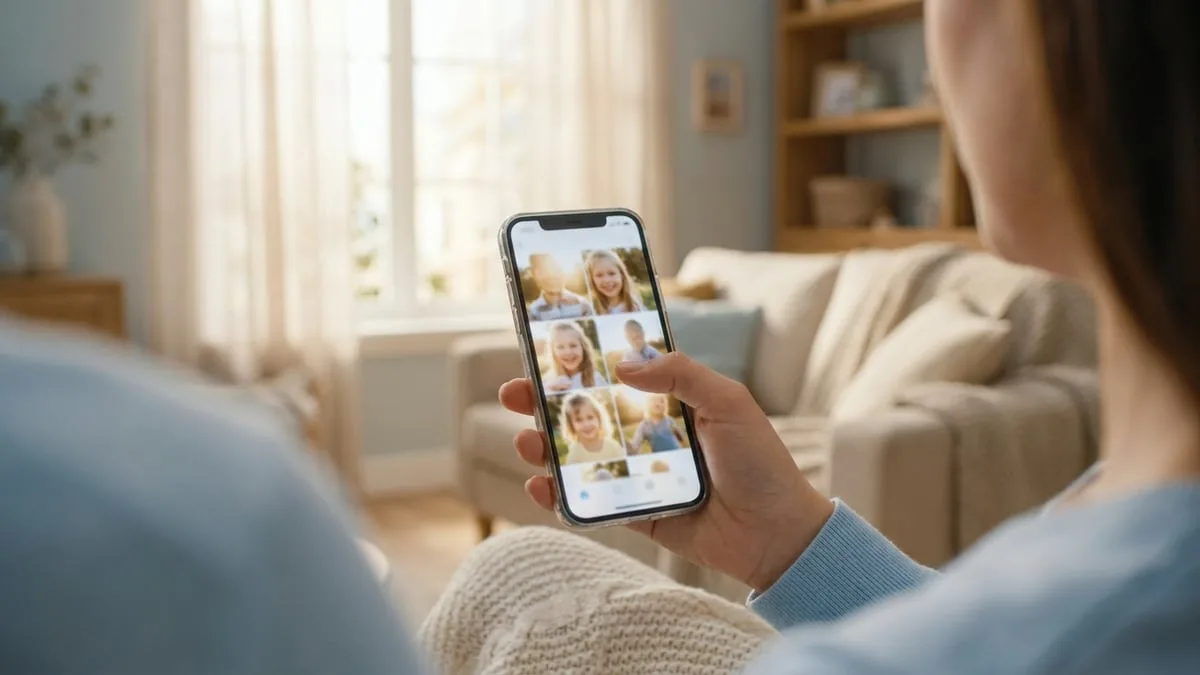
When you make a personalised book, one decision matters more than any other: the photo you upload. It is what the illustrations are built from, so the closer it shows your child's real face, the more the hero on every page will genuinely look like them. The good news is that you almost certainly already have the right photo on your phone. Here is how to spot it.
One good photo is enough
You do not need a photoshoot. A single clear photo is enough to make the whole book, and you can add a second one if you would like more options to choose from in the preview. Spend your effort picking one great photo rather than uploading five average ones.
What a great photo looks like
Scroll your camera roll with this short checklist in mind:
- The full face is visible. Forehead to chin, nothing cropped off. If the photo is very zoomed in, step back. A bit of space around the head is perfect.
- Your child is looking at the camera. Straight on, eyes open. A mid-blink photo is adorable, but the illustrations will inherit the closed eyes.
- Just one child in the frame. If a sibling or friend is in the shot, we will ask which face to use, but a solo photo removes any doubt.
- Good, even light. Daylight near a window beats a dim room or harsh flash. Clear and well-lit photos give the illustrations the most to work with.
- Nothing covering the face. No sunglasses, hats, hoods, hands, snack remnants or dummies. What covers the face in the photo tends to follow your child into the book.
Expressions: calm and happy wins
A natural smile or a calm, content expression makes the loveliest book. A crying or mid-tantrum photo (we have all got them) carries that mood into every illustration. If your chosen photo has a slightly serious face, don't worry: when you create your book there is an option to gently enhance the smile, and you will see the result in the preview before deciding anything.
Photos to skip
- Heavy filters or edited photos. The truer the photo, the truer the likeness
- Blurry or dark shots, or screenshots of photos
- Costumes and face paint, unless you want them in the story
- Old photos. A recent one means the book looks like your child now, which is rather the point of a keepsake
You will see the result before you pay
Here is the safety net: nothing is printed on trust. After you upload the photo, you get a full preview of the book with your child illustrated into every page, and you only order if you love it. If the likeness is not quite right, try a different photo. It usually takes seconds to swap. You can see how finished books look here.
Have a favourite family photo, not just a portrait? You can also put it on a page of the book. See how to add your own photo to a storybook.
Wondering what happens to the photo itself? We wrote a full, honest answer: is it safe to upload your child's photo?
Ready to try? Pick that photo and make your personalised book for your child. The preview is free.
Frequently asked questions
How many photos do I need for a personalised book?
One clear photo is enough. You can add a second for more variant options, but quality matters far more than quantity.
Can I use a photo with a hat or sunglasses?
It is best not to. Anything covering the face or hair in the photo tends to appear in the illustrations too, so a hat-free, sunglasses-free photo gives the best result.
What if there are two children in the photo?
We will detect both faces and ask which child the book is for. A photo with just one child in frame is simpler, though. And if you want a book starring both children, our books can be made for two.
What if I don't like how the preview looks?
Swap the photo and try again. It takes moments, and you only pay once you are happy with the preview.